User Guide
How It Works, Step by Step
Every level, start to finish. It works like a waterfall: a Super Admin can do everything an Admin can, and an Admin can do everything an Agent can.
Super Admin: buy + everything belowAdmin: hand out, team, reports + belowAgent: work your leads
The Links
Put these in your Personal Links (or bookmark them). Each opens straight into that view. If you have more than one, the "View" picker at the top of the desk switches between them.
| View | Link | What opens |
|---|---|---|
| Super Admin | https://brokers.mymarketingpro.com/broker-desk/?view=owner | Buy Leads, Hand Out Leads, Team, Reports, Wallet |
| Admin | https://brokers.mymarketingpro.com/broker-desk/?view=manager | Hand Out Leads, Team, Reports |
| Agent | https://brokers.mymarketingpro.com/broker-desk/?view=agent | My Leads, Coaching |
| Sign in | https://brokers.mymarketingpro.com/broker-desk/signin.php | The desk's own sign in, then the desk |
My Marketing Pro staff: the links for a specific client desk (with its desk code) are on /broker-desk/admin.php.
Super Admin (Owner)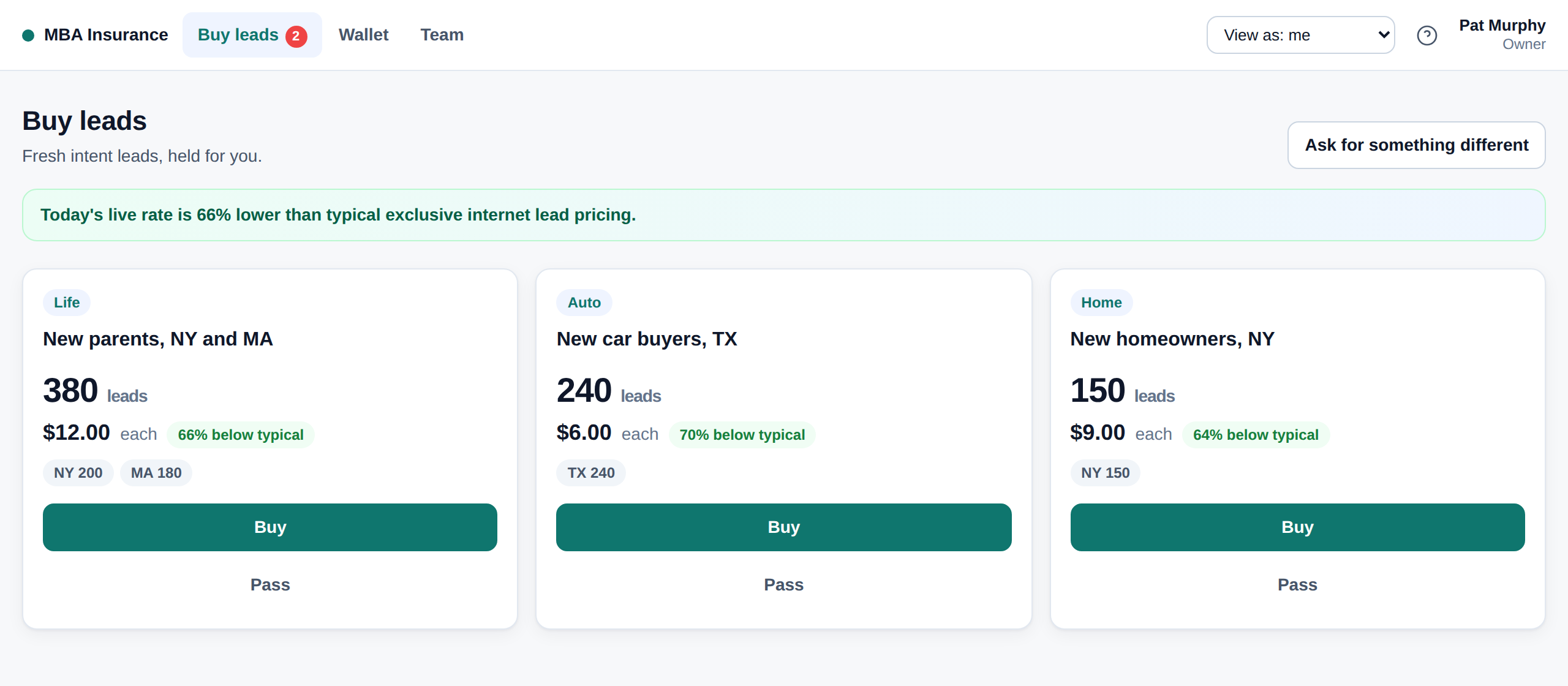
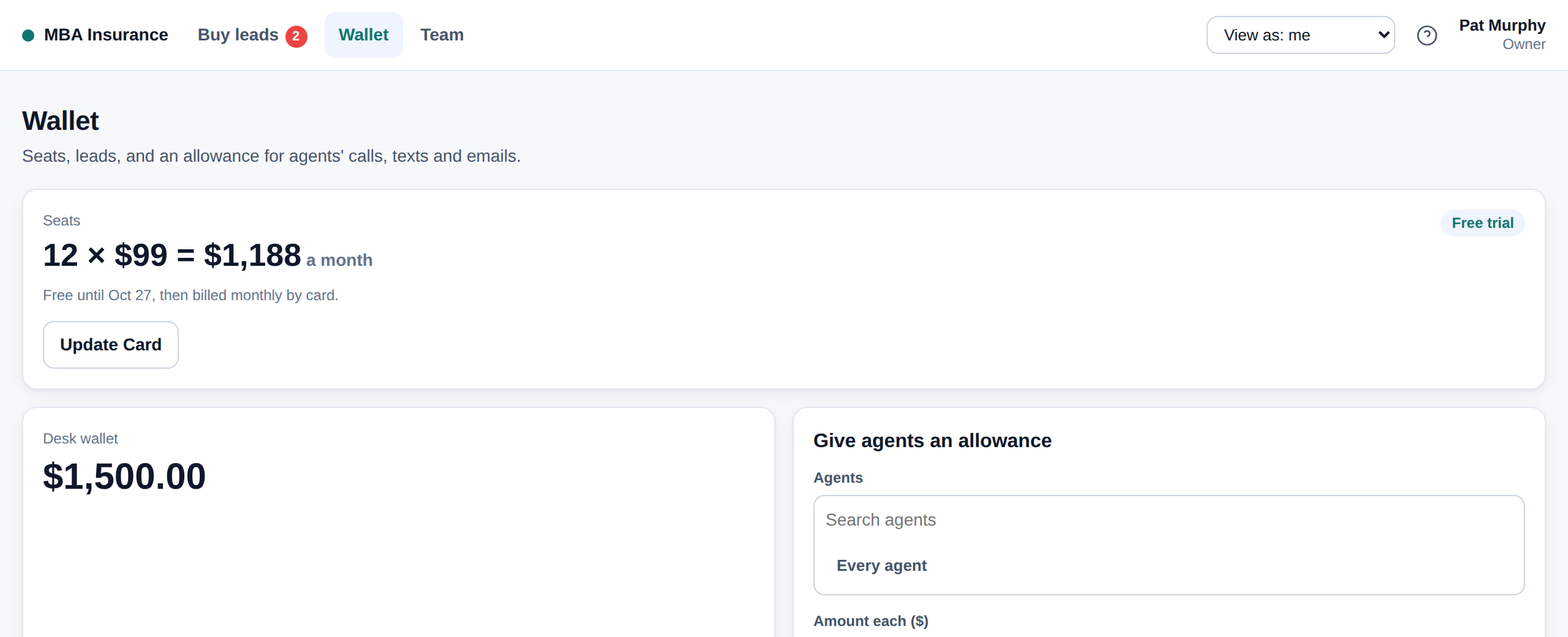
Buy the leads, run everything
- Sign in and open "View: Super Admin". You land on "Buy Leads".
- Add your people. Desk: Team, "Add a Person" Extension: Super Admin, Team, "+ Add a Person" Pick Admin or Agent, then name, email (their login), mobile, licensed states and the most leads per two weeks. They get their login by email.
- Give each agent a phone number. Desk: Team, "Number" Extension: Team, "Give a number..." It becomes their sending number for calls and texts in the extension. Need more? "Request numbers" on Team.
- Get their email connected. Desk: Team, "Send Setup" Extension: Team, "Send Setup" Their email has to be connected from their own login (it is their mailbox), so this emails and texts them the two steps: connect email, install the extension. Team shows when each is done.
- Fund the wallet and start seats. Desk: Wallet "Add Funds", "Start Seat Billing", and "Give agents an allowance" for their calls, texts and emails.
- Buy the morning's leads. Desk: Buy Leads Extension: Super Admin, "Buy All" Buy a batch, part of it, or pass (free).
- Hand them out. Everything an Admin does, below, is in your view too.
- Set up coaching. Desk: Coaching The goal of a call, your knowledge base (products, prices, FAQs) and playbook rules. "Save and Send to Everyone" puts it into every agent's live call coach, "Ask the Coach", DISC reads and call reviews.
- Fill the library. Desk: Library Drop in rate sheets, brochures and checklists. Anyone can send them to prospects in one click.
- Watch everything. Desk: Reports The whole desk: headline numbers with the change from the previous period, charts (activity, funnel, speed, outcomes, calls / texts / emails, spend, agents, states), and tables by agent, team, state, life event, lead batch and every lead. Filter, search, sort, group by day / week / month, export any table, or print.
- Work leads yourself, if you like. On Team press "Hand Me Leads Too", then switch to "View: Agent".
Admin (Manager)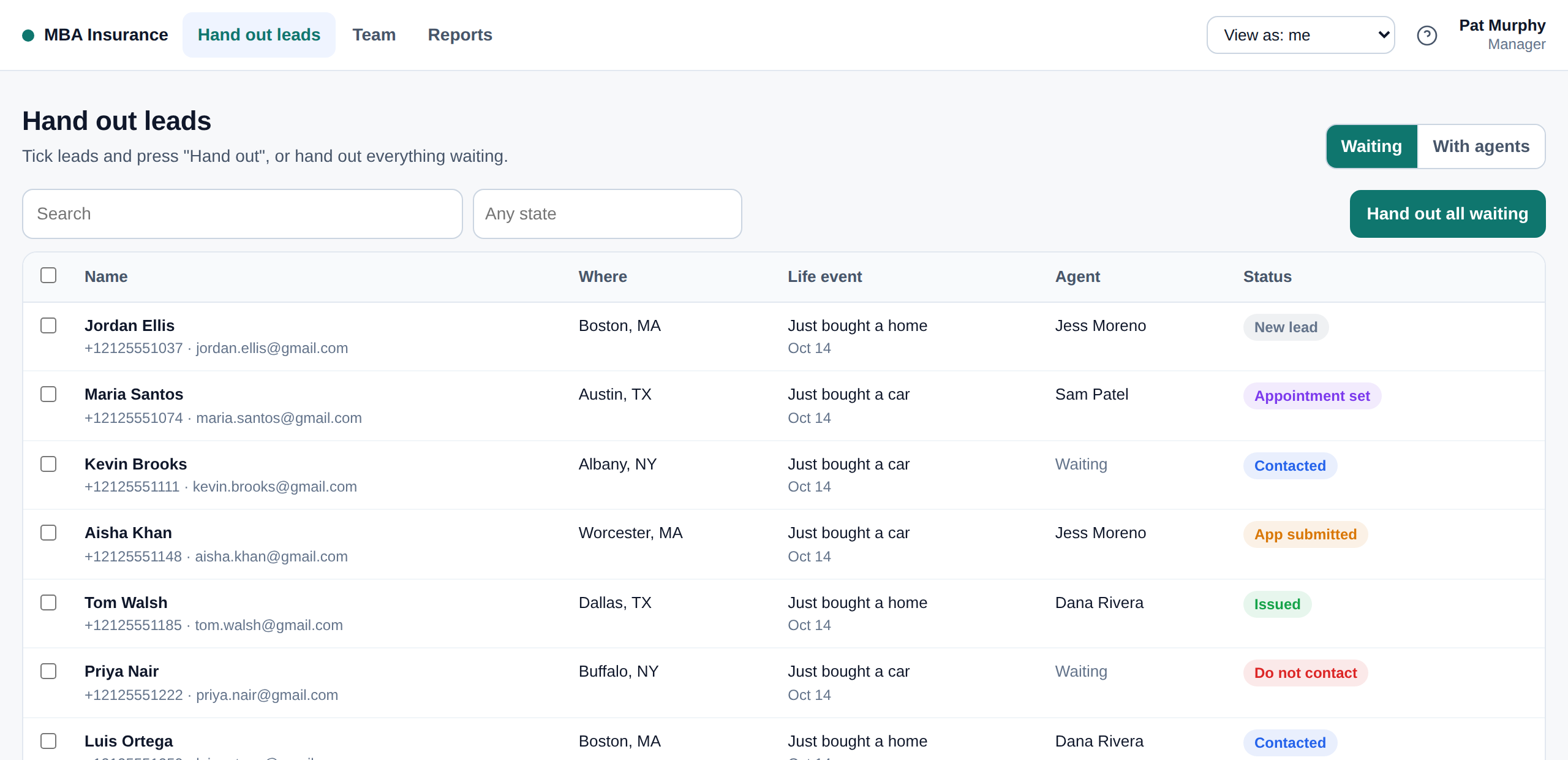
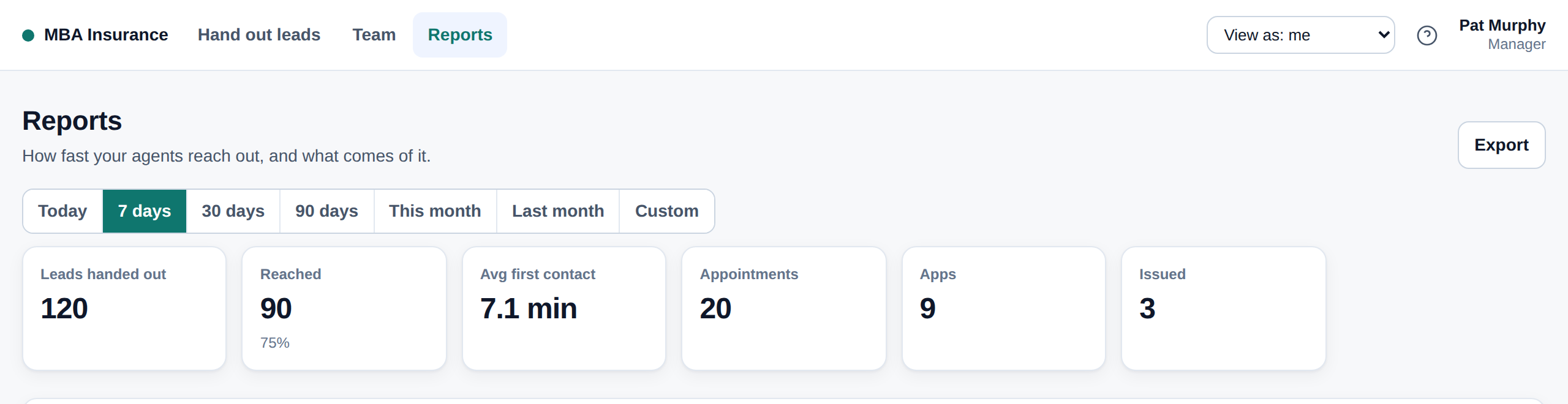
Hand out, manage the team, watch the numbers
- Open "View: Admin". You land on "Hand Out Leads".
- Add agents, numbers and email setup exactly as above (Admins add Agents; Super Admins add Admins and Agents).
- Hand out. Desk: Hand Out Leads Extension: Admin, "To Everyone" or "Choose People" "Hand Out All Waiting" splits everything evenly, or tick leads and press "Hand Out", or pick only certain people. Each person only gets leads in their licensed states, up to their limit.
- Fix what is stuck. Switch to "With Agents", tick anything nobody has reached, and "Give to someone else". Or "Take back" to the waiting pool.
- Watch and coach. Desk: Reports (your teams and agents, no money) Extension: Admin, today's numbers First contact time, reached, appointments and apps for each person. On Team, "Coach" sends a note (AI can draft it).
- Choose each person's Chrome extension. Team, "Edit", "Chrome extension": Agent (basic), Standard or Full.
- Coach from real calls. Desk: Coaching, Team Calls Every live coached call, with an AI review and a score against your playbook.
- Send files to many at once. Desk: Hand Out Leads, With Agents Tick people, "Send a File". Each goes from that lead's agent, with a tracked link.
- Work leads yourself, if you like. Team, "Hand Me Leads Too", then "View: Agent".
Agent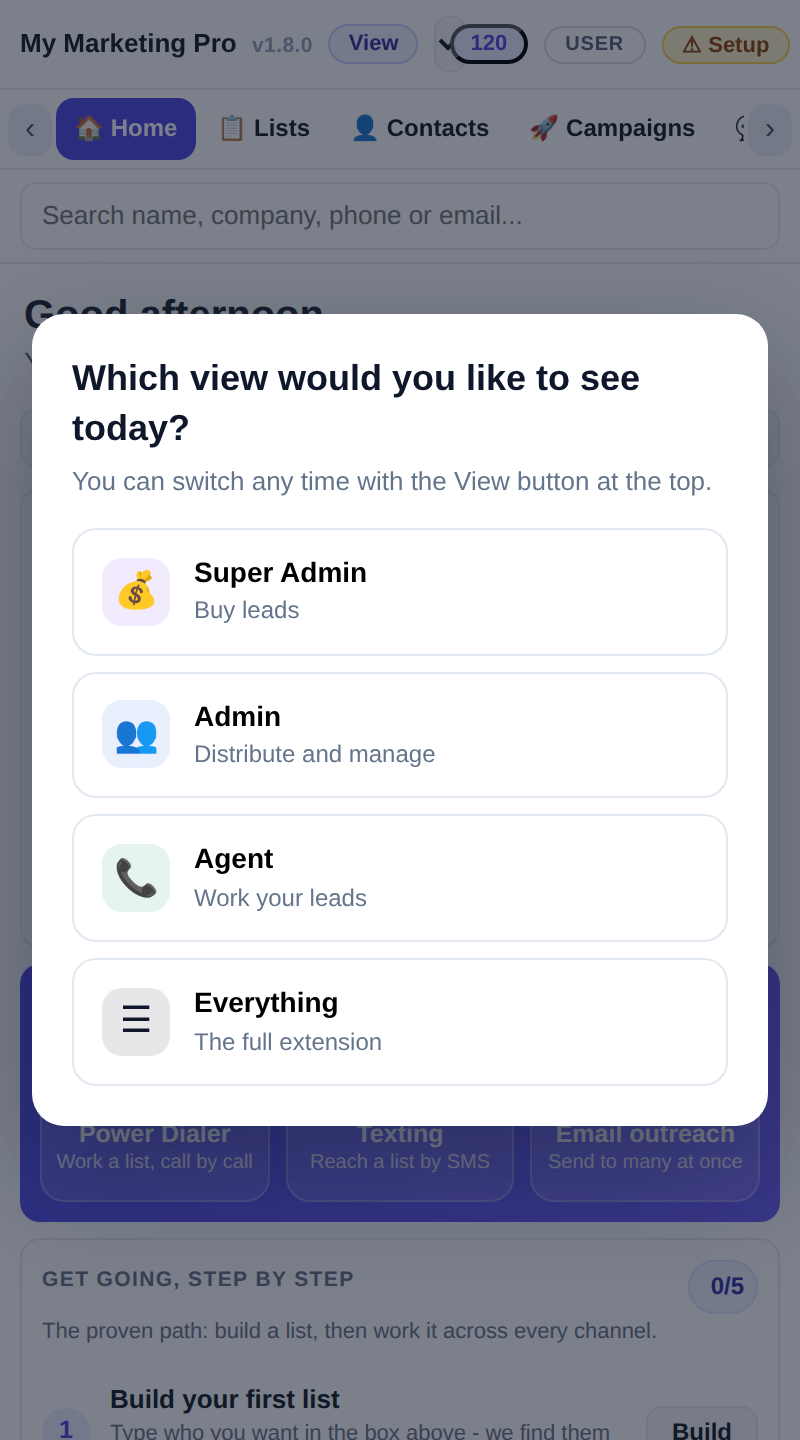
Work your leads
- Do the two setup steps once. Connect your email (Today, gear icon, "Email") and install "My Marketing Pro" from the Chrome Web Store, pin it, "Connect automatically".
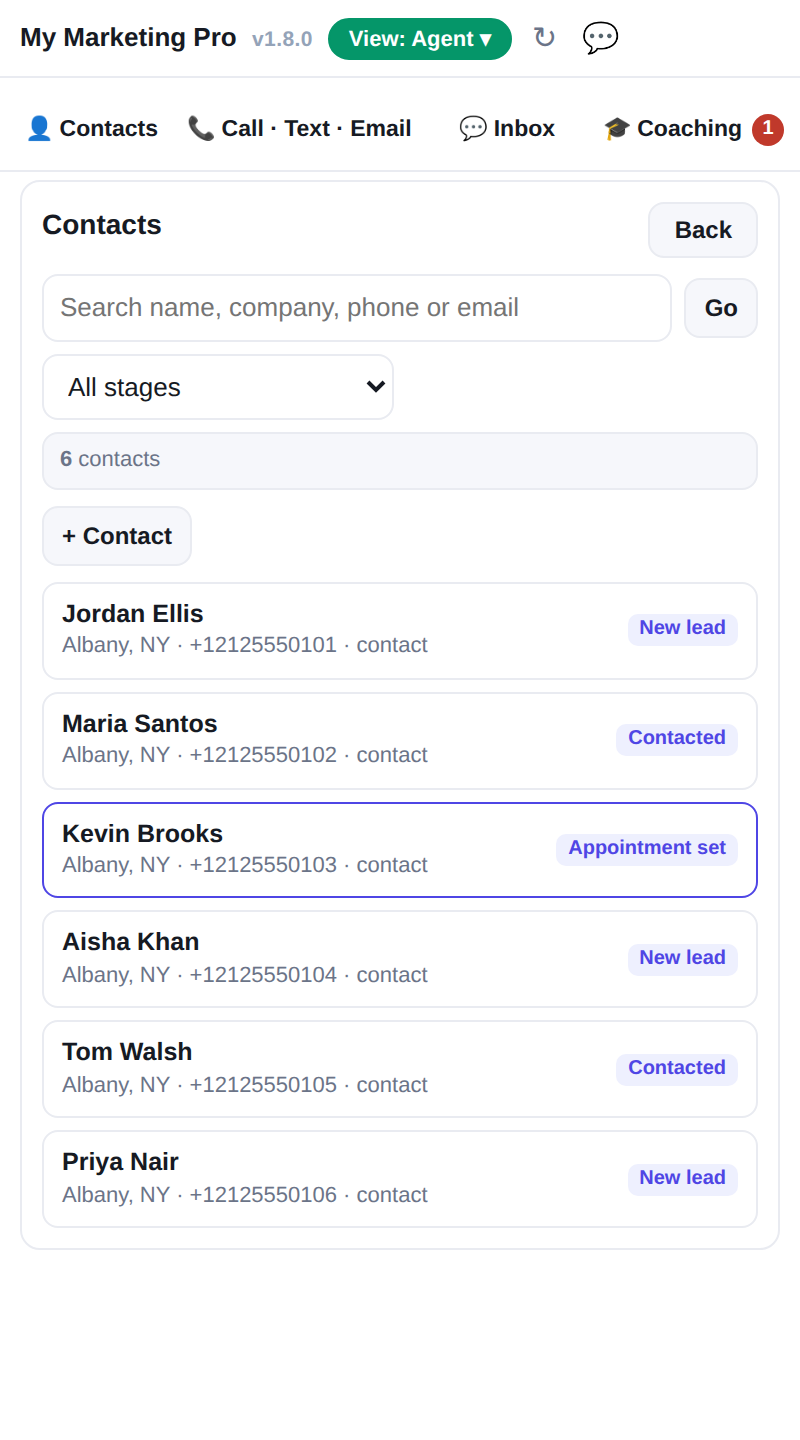
- Open the extension. It asks "Which view would you like to see today?" (agents go straight in). Four tabs: Contacts, Call · Text · Email, Inbox, Coaching.
- Reach out fast. New leads are at the top of Contacts. Call within five minutes. No answer? Text the short form; the answers come back to you.
- Many at once. Call · Text · Email works one person or a whole list.
- Mark what happened. Contacted, appointment, app submitted, issued, not interested, bad number, do not contact. On the desk: "View: Agent", "My Leads".
- See your numbers. My Numbers Your leads, how fast you reach them, calls, texts and emails, and results, with the same charts, filters and exports.
- Use your coach. Coaching "Ask the Coach" (what to say next), "Read a Prospect" (DISC), "My Calls" (an AI review of each coached call), and notes from your manager.
- Send a file in one click. Library A lead's panel: "Send a File" By text or email, from your number, with a tracked link so you see when they open it.
- Your account. Click your name at the top of the desk (or "My Account" in the extension's Coaching tab) to change your name, mobile or password.
My Marketing Pro (Platform)
Set the desk up
- Create the desk. Desk, "View: Platform", "Desks", "New Desk": client name, states, the Super Admin's name and email.
- Give it its address. "Address", the client adds one DNS record, "Save Address", "Set It Up", "Check It".
- Choose how seats are paid. "Seats": card (with free days), desk wallet, or no charge.
- Load leads each morning. "Load Leads": drop the files or pull an Audience Analyzer audience, map, then offer them to the desk.
- Check anything. "People", "Sign in as" anyone, or switch "View" to Super Admin, Admin or Agent and pick the desk at the top.